


'/%3E%3C/svg%3E)

Which tethering cable should you choose to stop your camera from dropping connection with Lightroom or Capture One?
Imagine you’re halfway through a high-stakes commercial shoot when your tethered connection suddenly drops. You scramble to troubleshoot, time is ticking away, and the model is standing by on set—with no immediate fix in sight.
In most cases, repeated signal drops aren’t caused by a broken camera port or buggy tethering software, but rather by an inadequate USB cable.
In this article, we’ll explain the root causes of tethering disconnects and break down how standard USB cables compare to Mathorn’s purpose-built tethering cables.
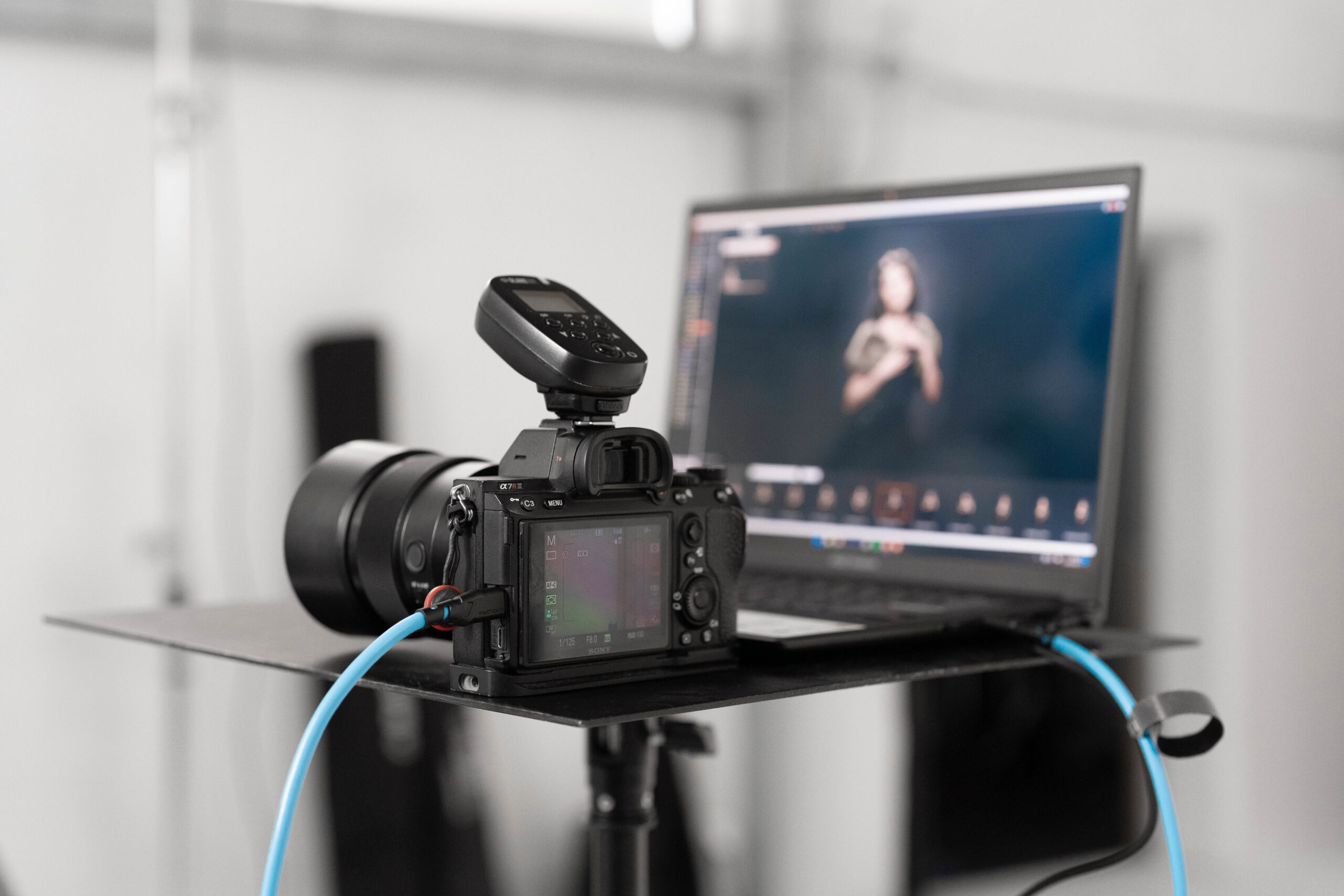

How does a standard USB-C cable differ from a professional tethering cable?
Standard USB-C cables are engineered primarily for low-speed data transfers and battery charging. In contrast, professional Mathorn tethering cables are built to the USB 3.2 Gen 2 specification (up to 10 Gbps), featuring heavy-duty interference shielding and high mechanical durability designed for the demands of a working set.
Not all Type-C cables are created equal. The real differences lie inside the cable’s internal geometry and the quality of materials used.
Standard USB cable vs. Mathorn MTC series cable
Data transfer and speed
A standard cable contains only one or two pairs of twisted signal wires. Professional Mathorn tethering cables are built on the USB 3.2 Gen 2 / USB 3.2 Gen 2×2 standard (select models), offering bandwidths up to 10/20 Gbps. This enables instant RAW file previews on your computer or tablet screen—with zero buffering or software freezing.
Interference protection
Cheap, unshielded cables are highly susceptible to ambient electromagnetic interference—which is everywhere on a active set—leading to corrupted data packets and dropped sessions. Mathorn cables utilize double shielding to prevent signal interference on location.
Mechanical durability and longevity
On set, a cable lives on the floor—getting stepped on, dragged, and bent. A standard cable snaps near the strain relief boot after just a few shoots. Mathorn cables feature reinforced outer jacketing and heavy-duty monolithic connectors designed to resist bending and breakage.
Why do Capture One and Lightroom keep losing connection to your camera?
Cameras drop connections with software like Capture One or Lightroom primarily due to low-bandwidth USB-C cables (USB 2.0 speeds), a lack of electromagnetic shielding, and signal degradation over long distances. Mathorn tethering cables are engineered specifically to eliminate these bottlenecks.
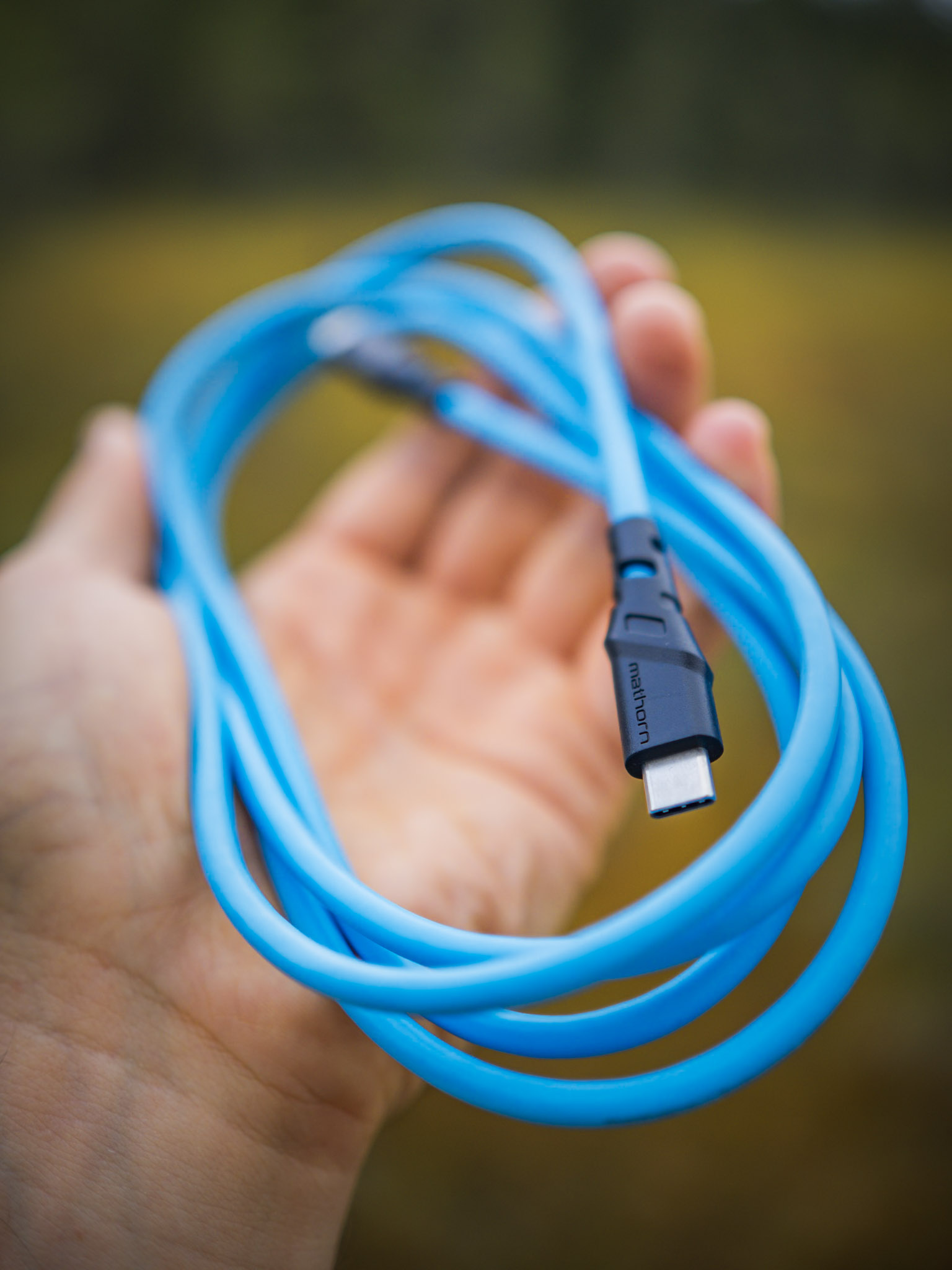
Most budget USB-C cables found in department stores or bundled with phone chargers are primarily power-delivery lines operating on the legacy USB 2.0 protocol—capping real-world transfer speeds around 35–40 MB/s. During a high-speed burst, a modern high-resolution camera pushes over 500 MB of RAW data in a matter of seconds. Standard cables simply lack the bandwidth to process this volume of data; when the pipeline chokes, Capture One or Lightroom resets the USB port, causing a complete system disconnect.
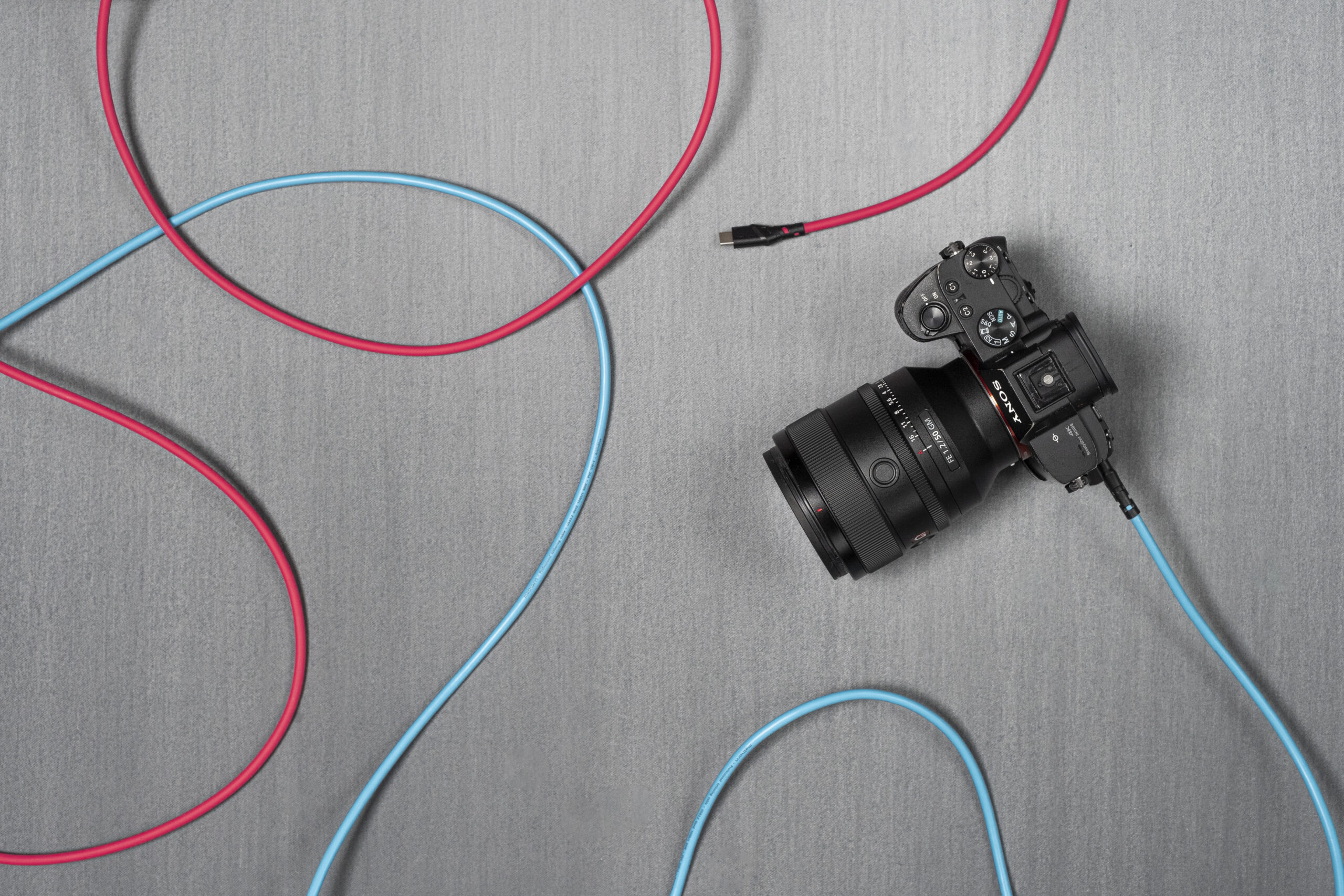
Which cable length should you choose: 2 meters or 5 meters?
Selecting the right cable length depends entirely on your workflow and the distance between your camera and the digital workstation.
1. 2-meter length – ideal for compact studios and location shoots
A 2-meter tethering cable is perfect for portraiture, product photography, and e-commerce setups where the camera remains close to the laptop stand. Mathorn 2m cables offer low weight and optimal stiffness, delivering high-speed transfer without pulling heavily on the camera’s interface port.
2. 5-meter length – built for large studios, fashion, and commercial sets
For spacious studio environments or dynamic fashion shoots where the photographer is constantly moving around the subject, a 5-meter cable is the industry standard. Standard 5m USB-C cables often struggle to maintain USB 3.0 speeds without active line boosters. Mathorn 5m cables are specially engineered to maintain uncompromised throughput up to 10 Gbps without requiring external bus power.
How to protect your camera’s USB port from physical damage
You should always protect your camera’s USB port by using cables with angled connectors, dedicated cable lock plates, or both—preventing expensive strain on delicate internal camera boards.
Replacing a snapped or loose USB port is a costly repair that can leave your camera out of commission in a service center for weeks. Fortunately, it’s easy to avoid.
Standard straight-plug cables stick straight out from the camera body by several centimeters, acting as a dangerous lever arm. An accidental trip over the wire or a sharp snag can instantly break the port or tear out the camera’s mainboard connector.

The Mathorn solution:
- Right-Angle Connectors: Mathorn MTC cables come in two physical configurations—standard straight connectors and 90-degree right-angle connectors, allowing you to route the cable flush along the camera body or cage.
- Cable Lock Plates: The Mathorn MCP-1 cable plate firmly anchors the tether cable to the camera body or tripod plate, absorbing physical strain and protecting both the cable plug and camera port from accidental tugs.
Summary
Maintaining a rock-solid tethered connection in Capture One and Lightroom isn’t a matter of luck—it’s a choice of gear. A standard USB cable simply cannot handle the heavy packet flow of multi-gigabyte RAW shoots under demanding studio conditions. Purpose-built Mathorn MTC series cables represent an investment that pays for itself on the very first job by eliminating downtime, lost files, and unnecessary stress on set.